Voice Expense Tracking vs. Typing: When Is Speaking Your Spending Better?
Compare voice expense tracking with manual typing and receipt scanning to discover when speaking your expenses saves time and when typing remains superior.

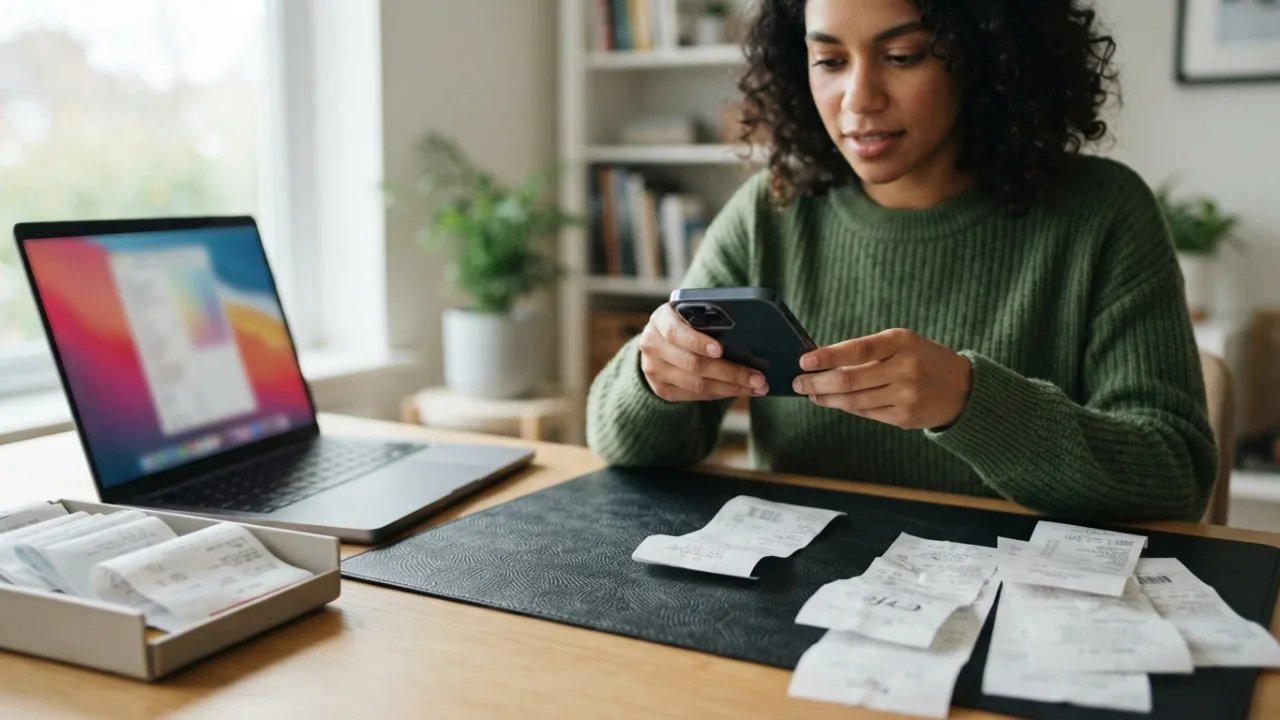
Most budget apps fail for a simple reason: human friction. Filling out multi-field forms for every coffee, parking meter, and cash tip quickly turns personal finance into an annoying chore. Within two weeks, many people abandon manual tracking simply because typing amount, category, account, and merchant details requires too much effort during a busy day.
Modern budgeting tools address this problem with voice expense tracking, allowing you to speak natural phrases like "Spent twelve dollars on coffee at Starbucks" rather than tapping through dropdown menus. But is hands-free dictation always superior to traditional typing or taking a photo of a receipt? Understanding when to speak your expenses and when to stick with typing or scanning helps you maintain a consistent tracking habit without getting frustrated.
The Expense Logging Friction Gap
Why Multi-Field Forms Cause Habit Fatigue
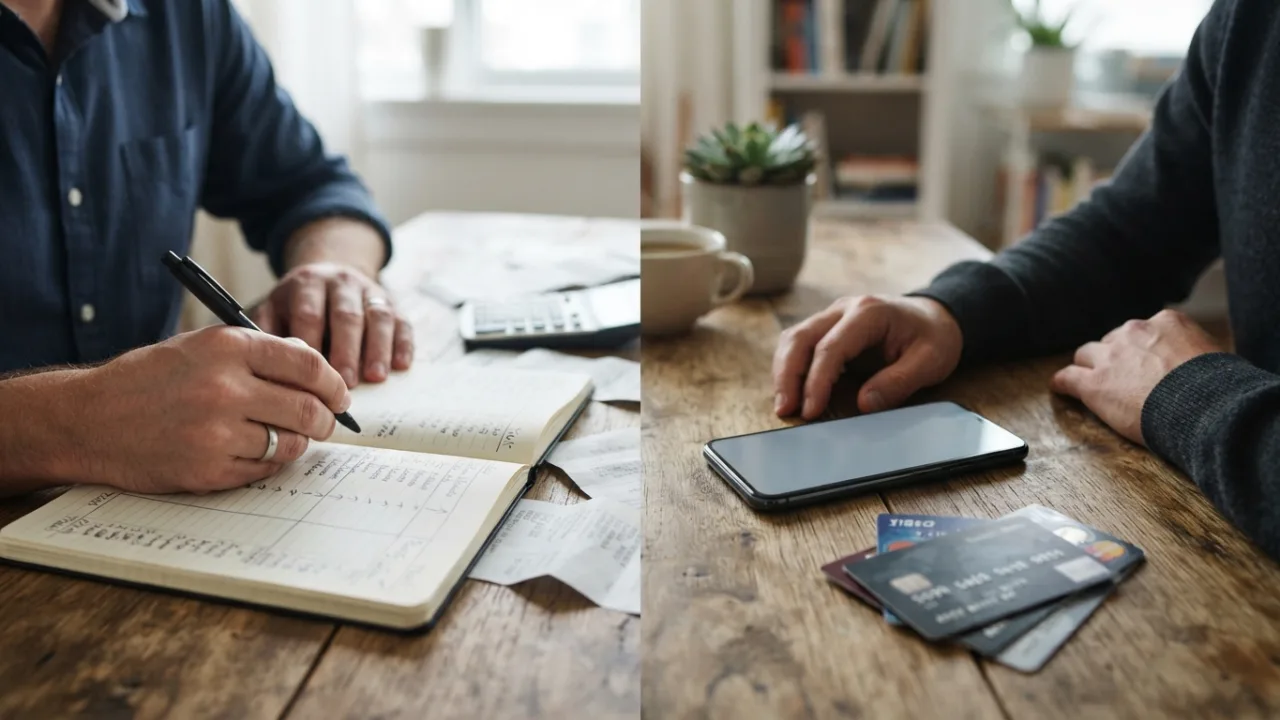
Every expense tracking app asks for structured data: an amount, a spending category, a payment method, a date, and a merchant name. Entering these details manually requires picking up your phone, opening an app, clicking a add button, and cycling through four or five separate form inputs.
This operational effort creates what behavioral researchers call expense logging friction. While logging a single transaction takes only 20 to 30 seconds, doing it five times a day adds up to a noticeable psychological barrier. When you are rushing between meetings, carrying groceries, or walking in the rain, logging spending gets deferred—and forgotten transactions lead to inaccurate financial totals.
The Natural Alternative: Instant Natural Language
Voice-to-text input paired with natural language parsing short-circuits this process. Instead of forcing your brain into structured database fields, you speak naturally. Speech recognition tools capture the phrase, and smart parsing software interprets the dollar amount, assigns a plausible category, and selects your primary payment account in a single step.
Speed and Efficiency: Speech vs. Touchscreen Typing
Words Per Minute and Input Realities
The core advantage of voice input comes down to raw speed. The average person speaks at a rate of 130 to 160 words per minute (WPM). By contrast, average typing speed on a glass mobile touchscreen hovers around 30 to 40 WPM.
The Time Cost of Form Fields
Beyond raw WPM, typing an expense into a form requires navigating interface controls, drop-down menus, and search bars. Here is how the two methods stack up in real-world usage:
- Voice Input / AI Quick Entry: Dictating "Spent 15 dollars on lunch using main card" takes about 2 to 3 seconds, followed by 1 to 2 seconds to glance at the draft screen and confirm. Total elapsed time: 3 to 5 seconds.
- Manual Form Entry: Opening the form, tapping the amount field, typing numbers, choosing "Dining Out" from a dropdown, selecting the payment account, typing the store name, and tapping save. Total elapsed time: 15 to 30 seconds.
For quick single transactions on the go, voice input offers a 4x to 6x speed improvement over traditional form entry.
Environmental Realities: Quiet, Noise, and Privacy
While voice logging is significantly faster in ideal conditions, mobile devices operate in unpredictable daily environments. Environmental factors heavily dictate which input method works best.
Acoustic Noise and Dictation Accuracy
Speech-to-text engines rely on clear audio signals. High ambient noise environments—such as busy coffee shops, subway platforms, noisy street traffic, or loud restaurants—can degrade microphone pick-up. Background noise, musical homophones, or accent variations can lead to mistranscribed numbers (for example, misinterpreting "fifteen" as "fifty"). In high-decibel settings, dictation can introduce errors that require manual correction.
Social Discretion and Public Spaces
Privacy is another crucial consideration. Standing in a quiet office line, sitting on public transit, or waiting at a bank counter are situations where speaking financial details out loud feels awkward or unsafe. In public settings, discreet touchscreen typing remains the gold standard for personal privacy.
Draft-and-Review: The Human-in-the-Loop Standard
How Natural Language Parsing Works
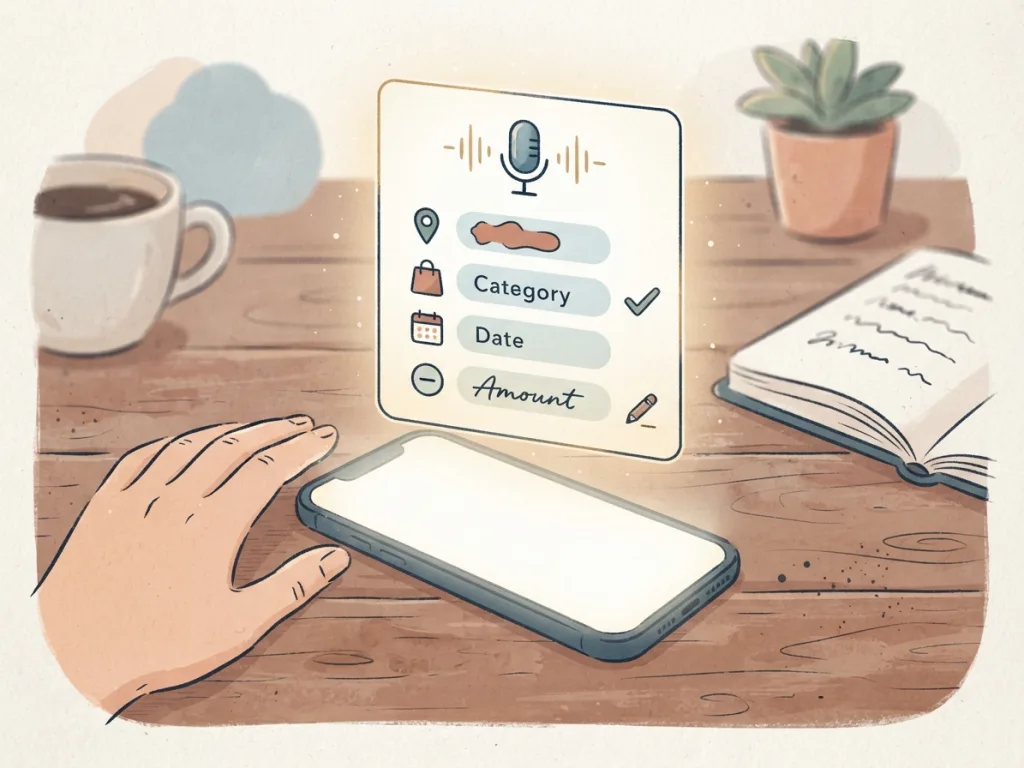
A common misconception is that voice tracking is entirely autonomous or hands-free from end to end. In practical applications, voice expense entry operates as an interactive assistant. When you speak, your phone's speech recognition converts sound into digital text, and natural language parsing analyzes the sentence structure to populate draft transaction fields.
Why Reviewing Before Saving Matters
Because artificial intelligence processing is probabilistic rather than deterministic, industry safety standards enforce a draft-and-review flow. The system prepares a proposed transaction entry on screen, allowing you to quickly verify the auto-filled amount, category, and date before confirming. This brief human-in-the-loop review ensures that misheard numbers or misclassified categories never alter your real balance without your consent.
Voice vs. Typing vs. Receipt Scanning Matrix
To choose the best entry method for any scenario, compare the three primary mobile input modes side by side:
| Feature / Scenario | Voice Input / AI Quick Entry | Manual Form Typing | AI Receipt Scanner |
|---|---|---|---|
| Primary Best Use Case | On-the-go single purchases, cash payments, holding items, walking. | Quiet spaces, confidential entries, complex multi-account transfers. | Retail store runs, grocery shopping, long itemized bills with paper receipts. |
| Total Entry Time | Fast (~3–5 seconds total) | Moderate (~15–30 seconds total) | Fast (~5–10 seconds photo + parse) |
| Performance in Loud Noise | Lower (susceptible to audio distortion) | High (completely unaffected) | High (completely unaffected) |
| Privacy & Discretion | Low (requires speaking out loud) | Maximum (completely silent) | Moderate (requires taking a photo) |
| Verification Required | Brief review of populated draft | Low (fields entered manually) | Brief review of extracted total |
Practical Scenarios: Choosing the Right Tool for the Moment
When to Use Voice Input
Voice-to-text logging excels when physical agility and speed matter most:
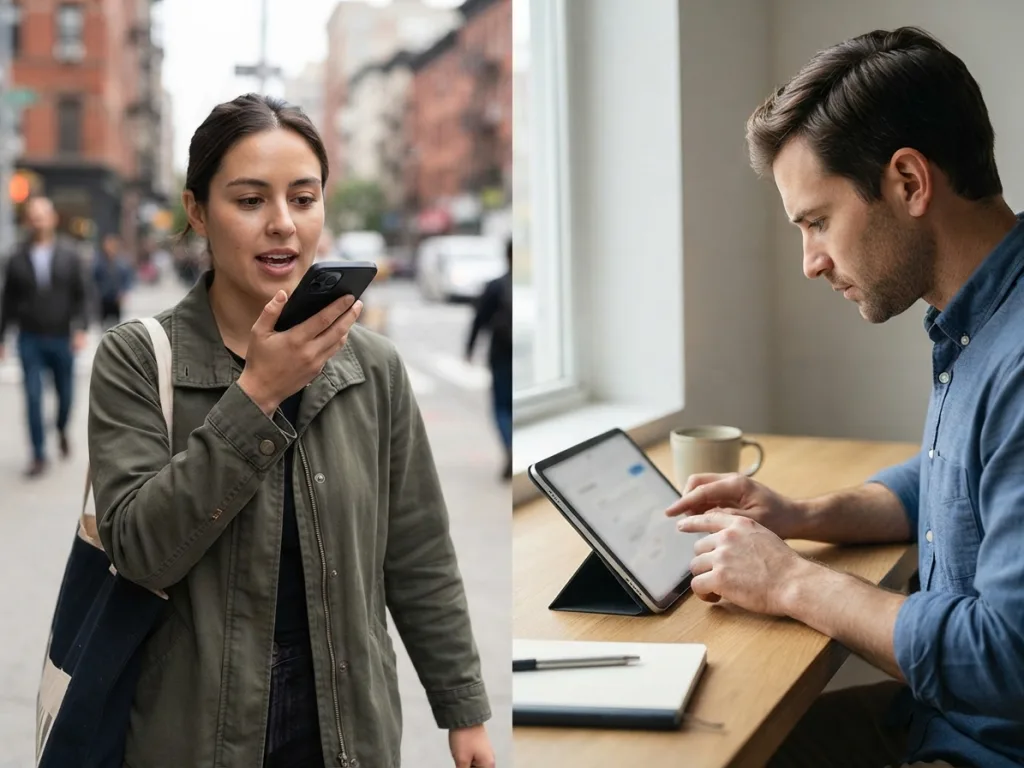
- On the Move: Walking back from a coffee run carrying a cup and your keys in one hand.
- Cash and Unreceipted Spending: Paying cash at a street vendor, tipping a valet, or paying for parking meters where no physical or digital receipt exists.
- In the Car: Safely logging a toll or drive-thru payment immediately after parking.
When Manual Typing Wins
Manual form typing remains the optimal choice in specific operational contexts:
- Quiet or Open Offices: Where speaking dollar amounts out loud compromises personal privacy.
- Complex Adjustments: Setting up recurring bill reminders, logging multi-category account transfers, or splitting balances.
- Noisy Surroundings: At concert venues or crowded sports events where background noise interferes with dictation.
When Receipt Scanning Is Superior
Receipt photo scanning fills a specific gap that neither voice nor typing handles effectively: complex, multi-item purchases. When buying 20 items at a grocery store or retail outlet, dictating or typing every item is impractical. Taking a quick photo extracts tax, tip, and total costs into an editable review screen in seconds.
How MyMoney Combines Voice, Typing, and Scanning
Modern expense management shouldn't force you into a single way of working. Effective spending tracking adapts to your context in real time. MyMoney provides flexible options tailored to your preferences: "Type it. Say it. Scan it. Done."
With MyMoney, you can dictating quick expenses using your phone's keyboard voice-to-text feature. The app's AI Quick Entry interprets natural language descriptions into a structured draft transaction, allowing you to review and confirm the entry with a single tap. When you have paper receipts, the integrated AI Receipt Scanner extracts total amounts instantly, while clean manual input forms remain available whenever you need quiet, detailed control. You can explore how these features work on the official MyMoney download page.
Frequently Asked Questions
Is voice expense tracking accurate for different regional accents?
Yes. Voice expense entry relies on your smartphone operating system's built-in speech recognition (such as iOS or Android dictation engines), which are trained on extensive multilingual and regional accent datasets. Furthermore, the draft-and-review flow lets you quickly adjust any misheard words before saving.
Does voice tracking replace receipt scanning entirely?
No. Voice input and receipt scanning serve different purposes. Voice is best for fast single transactions, cash spent without receipts, and hands-free moments. Receipt scanning is best for retail and grocery store receipts where you want a visual record of itemized items, taxes, and totals.
Is my financial data spoken out loud by the app?
No. Voice entry is strictly a speech-to-text input mechanism. The application processes spoken words into structured screen text for your visual review; it does not read back private account balances out loud.
Conclusion: Pick the Right Tool for the Moment
Voice expense tracking isn't a total replacement for typing or receipt scanning; it is a powerful tool designed to eliminate entry friction when you are on the move. By using voice dictation for quick daily coffee runs and cash tips, camera scanning for shopping trips, and manual typing for quiet public spaces, you can eliminate habit fatigue and maintain accurate, effortless financial records.