Download from the official store
Choose the App Store or Google Play, or use the smart link to detect your device automatically.
Download directly from the App Store or Google Play. On a phone, MyMoney’s smart link automatically sends you to the right store for your device.
 One connected experienceiOS · Android · MyMoney
You do not need to configure everything on day one. Start with your main account and the transactions happening now.
Choose the App Store or Google Play, or use the smart link to detect your device automatically.
Add the money accounts you want to track and start simple.
Enter it manually, use Quick Entry, voice-to-text or Receipt Scanner.
Natural-language AI understands what you type. Voice-to-text speeds up capture. Multimodal AI reads receipts. One goal: less entry, more useful data.
Explore AI Expense Tracking →Every new transaction makes budgets, reports and analysis more useful. Start with what is happening today.
Capture what happens from today.
Supported flows remain useful when connectivity is unreliable.
Important AI-assisted flows keep review in the loop.
The QR code opens themymoney.com/get. iPhone and iPad go to the App Store, Android devices go to Google Play, and desktop browsers return to this download page.
https://themymoney.com/get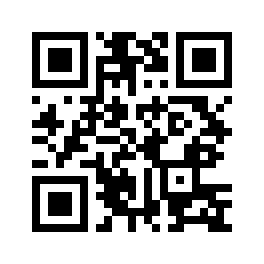 Scan with your phone