Manual Expense Tracking vs Bank Sync: Which Is Better for Your Budget?
Compare manual expense tracking and automatic bank sync on privacy, effort, cash handling, and spending psychology to find the best approach for your financial goals.

Choosing how to log your daily spending usually comes down to a fundamental tradeoff: convenience versus control. For years, popular personal finance platforms have promoted automatic bank sync as the ultimate hands-off solution. By linking your checking accounts, credit cards, and loans directly to an app, every transaction flows in automatically. On paper, it sounds effortless.
However, many people discover that automatic importing does not automatically lead to better spending habits. Disconnected bank feeds, ambiguous transaction descriptions, unrecorded cash purchases, and privacy concerns frequently prompt users to rethink automated feeds. On the flip side, traditional manual entry—typing out every transaction line by line—offers complete control and privacy, but can become tedious over time if not supported by smart tools.
This guide breaks down the core differences between manual expense tracking vs bank sync, examining behavioral psychology, data privacy, connection reliability, categorization accuracy, and real-world spending nuances to help you decide which method fits your lifestyle.
The Core Dilemma: Automation vs. Awareness
To evaluate which method works best, it helps to understand how each approach handles your financial data.
What Is Automatic Bank Sync?
Automatic bank sync relies on third-party financial data aggregators (such as Plaid, MX, or Salt Edge) to establish a connection between your financial institution and your budgeting software. Once linked, the aggregator periodically retrieves updated balances and posted transactions, pushing them into your app dashboard without requiring manual data entry.
What Is Manual Expense Tracking?
Manual expense tracking requires you—or an offline assistant tool—to actively record transactions as they occur or directly from receipts. Rather than granting third-party servers permission to access your online banking portal, data remains entirely under your direct control. Modern manual tracking tools have evolved far beyond basic spreadsheets, incorporating natural language parsing and camera scanning to eliminate repetitive typing while keeping you in charge of every entry.
Behavioral Psychology: The 'Pain of Paying' and Spending Awareness
The primary purpose of budgeting is not merely recording past actions, but shaping future behavior. Behavioral economics offers clear insights into why manual interaction often yields better spending discipline than passive viewing.

Why Passive Importing Fails to Stop Impulse Spend
Research into financial decision-making, pioneered by researchers like Drazen Prelec and George Loewenstein, highlights the psychological phenomenon known as the "pain of paying." When you spend physical currency or actively acknowledge an expense, your brain registers cognitive friction—a momentary pause that forces you to evaluate the value of the purchase.
Automatic bank feeds eliminate this friction entirely. You tap your phone or credit card at a terminal, and the purchase appears on your dashboard days later alongside dozens of other line items. Reviewing a ledger of money already spent provides passive hindsight, but it rarely acts as a real-time circuit breaker against impulse purchases.
How Active Logging Reclaims Control
Active logging creates a conscious touchpoint at or near the time of purchase. Taking ten seconds to confirm an expense reinforces spending mindfulness. You notice exact totals, acknowledge room left in your category budget, and cultivate an accurate mental picture of your personal cash flow.
Security, Privacy, and Connection Stability
Beyond behavioral psychology, technical architecture plays a massive role in day-to-day user satisfaction.
How Bank Aggregators Work
When you connect a bank account to an app, you share credentials or authorize access tokens through an intermediary aggregator. While modern Open Banking protocols use OAuth tokens where available, some institutions still rely on legacy data connections. In all cases, your account numbers, account balances, and complete transaction histories pass through intermediary databases.
The Frustration of Broken Connections
Because financial institutions continuously update security measures, multi-factor authentication (2FA) protocols, and API endpoints, automated bank feeds suffer from frequent sync disruptions. Users often open their budgeting app only to encounter disconnected account warnings, missing pending transactions, or duplicated entries that require manual cleanup—defeating the promise of effortless automation.
Local and Offline Privacy Advantages
Manual tracking requires zero bank credentials, zero financial aggregator permissions, and zero third-party data sharing. Offline-first manual applications store your transaction record directly on your device or in your personal private storage. If a bank changes its website portal or experiences an outage, your tracking app continues to function seamlessly with 100% uptime.
Real-World Coverage: Cash, Digital Wallets, and Shared Bills
Modern spending habits rarely take place on a single credit card. Real-world commerce involves complex transactions that bank feeds often fail to capture accurately.
Handling Physical Cash and Local Markets
Bank sync operates strictly within the electronic banking system. It cannot track cash spent at local markets, small service vendors, informal events, or tip boxes. An automated feed records an ATM withdrawal as a lump sum (e.g., $100 cash withdrawal), but has no visibility into how that money was actually distributed across food, transportation, or entertainment.
The E-Wallet Top-Up Problem
Digital payment services and regional e-wallets (such as PayPal, Venmo, GrabPay, or MoMo) create major blind spots for automatic bank feeds. When you transfer funds into an e-wallet, your bank statement shows a single non-descript line item like "E-Wallet Top-Up $50." Bank sync treats this top-up as a bulk expense, obscuring the multiple individual purchases made inside the wallet app.
Splitting Bills and Peer-to-Peer Reimbursements
If you pay a $150 restaurant bill for a group of friends and receive $100 back via peer-to-peer transfer, bank sync initially records a $150 dining expense for you, followed later by an incoming deposit. Without manual re-allocation, your expense reports permanently overstate your personal dining spending and misclassify incoming reimbursements as taxable or earned income.
Categorization Accuracy and Data Clarity
Data quality determines whether your financial reports are actionable or confusing.
Deciphering Cryptic Bank Statements
Bank feeds pull raw transaction strings directly from merchant card processors. These strings are notoriously cryptic (e.g., SQ *NORTHSIDE TASTE 9821 or POS 4821 CTY). Automated algorithms rely on generic Merchant Category Codes (MCC) to guess categories, frequently mislabeling local shops, specialized services, or multi-item department store runs.
Precision Tagging at the Point of Sale
Manual tracking gives you immediate clarity. When you log or confirm an entry, you define exact categories, add custom tags (e.g., `#vacation` or `#reimbursable`), split line items into distinct categories, and attach context notes while the details are fresh in your memory.
Side-by-Side Comparison: Manual vs. Bank Sync
Here is how standard manual tracking, AI-assisted manual tracking, and automatic bank sync stack up across key decision criteria:
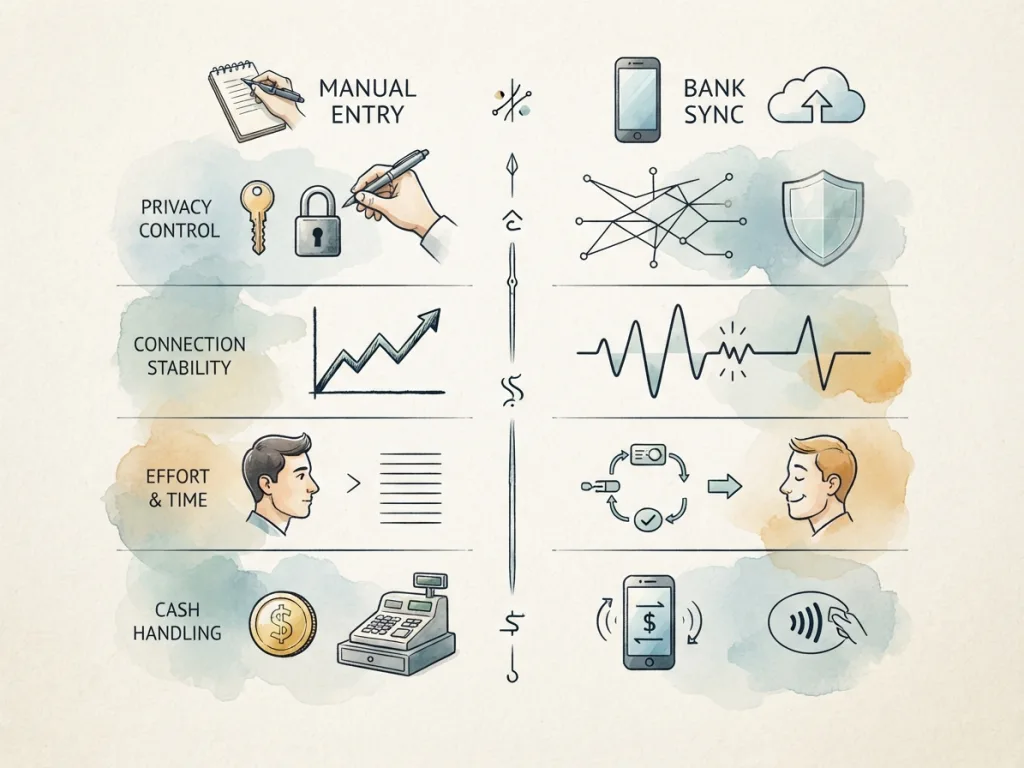
| Feature / Dimension | Standard Manual Tracking | AI-Assisted Manual Tracking | Automatic Bank Sync |
|---|---|---|---|
| Setup & Onboarding | Instant; no credentials required | Instant; no financial links required | Requires bank logins, 2FA, and aggregator grants |
| Data Privacy & Security | Maximum; stored locally/privately | High; local-first, no credentials shared | Third-party access; data shared with aggregators |
| Connection Reliability | 100% uptime; works offline | 100% uptime; works offline | Frequent re-authentication drops and sync delays |
| Cash & Wallet Coverage | Complete coverage of all cash & wallets | Complete coverage via quick inputs | Poor; cash and wallet top-ups appear as generic lump sums |
| Categorization Quality | 100% user precision | High precision; editable draft review | Variable; relies on raw merchant codes |
| Behavioral Impact | High spending awareness | High spending awareness with minimal friction | Low; passive retrospective reporting |
| Ongoing Effort | Higher (manual typing) | Low (fast review flow) | Zero entry effort (requires manual cleanup when links break) |
The Middle Path: AI-Assisted Manual Entry
For years, personal finance tracking was divided into two extremes: tedious manual typing or invasive, error-prone bank sync. Today, modern technology offers a powerful middle path: AI-assisted manual tracking.
Reducing Friction Without Giving Up Privacy
AI-assisted manual tracking eliminates the repetitive burden of typing out amounts, dates, and merchant names, without requiring you to share bank login credentials or yield control to automated aggregators.
How MyMoney Combines Speed with Active Review
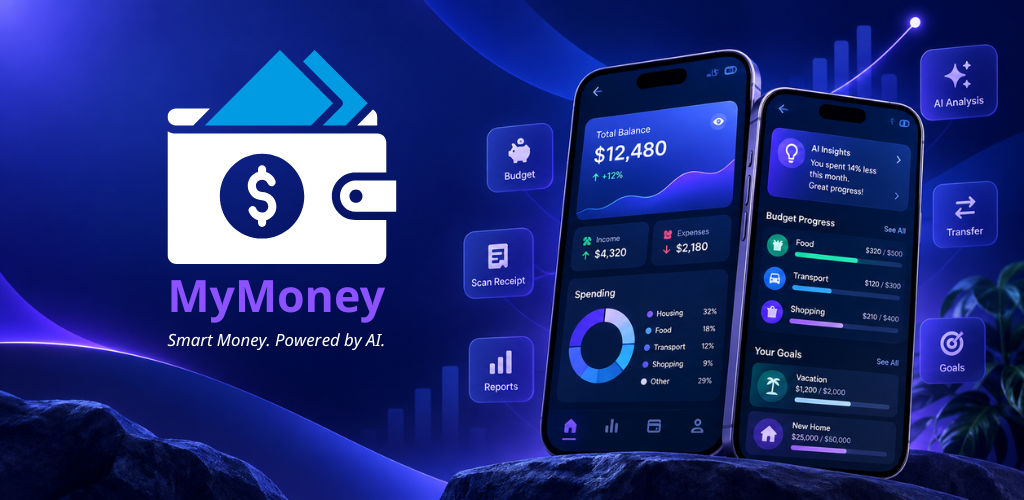
Designed around the principle of fast, private, human-in-the-loop expense logging, MyMoney provides flexible tools that make active tracking practically effortless:
- AI Quick Entry: Type or paste natural language sentences like "Spent $14 on coffee and pastry at Bakery" and the app automatically parses the amount, vendor, and category into a clean transaction draft for your review.
- Voice Input: Use your phone's built-in keyboard voice-to-text to speak your expense naturally while walking out of a store. The natural language engine converts your words into a structured draft ready for a single-tap confirmation.
- AI Receipt Scanner: Snap a picture of a physical receipt after grocery shopping or dining out. The system extracts merchant names, tax, total amounts, and date details into an editable review screen before adding it to your ledger.
- Offline-First Architecture: All your financial logs remain accessible and functional without an active internet connection, protecting your privacy and guaranteeing access anytime, anywhere.
Decision Framework: Which Approach Fits Your Needs?
To choose the right method for your routine, consider your primary financial priorities:
Choose Automatic Bank Sync if:
- You rely exclusively on major credit cards and rarely use cash or e-wallets.
- You are comfortable sharing bank connection access with third-party aggregators.
- Your primary goal is high-level historical archive tracking rather than active day-to-day spending intervention.
Choose Manual or AI-Assisted Tracking if:
- You want to curb impulse spending and build real awareness through the "pain of paying."
- You value strict data privacy and prefer keeping financial credentials completely off aggregator servers.
- You frequently use physical cash, local e-wallets, split dinner bills, or request business expense reimbursements.
- You want 100% reliable tracking that works offline without worrying about disconnected bank feeds.
Frequently Asked Questions
Does manual expense tracking take too much time?
Traditional manual entry using spreadsheets or basic lists can take several minutes a day. However, AI-assisted manual entry reduces logging time to a few seconds per transaction using natural language drafting, voice dictation, or receipt scanning.
Is bank sync safe to use?
Reputable aggregators use bank-level encryption and secure tokens, but linking accounts inherently increases your digital footprint and reliance on third-party servers. If privacy is your top priority, manual tracking keeps your raw financial records local and isolated from intermediary platforms.
Can I track multi-currency expenses manually?
Yes. Manual tracking platforms excel at multi-currency entry because you can set exact exchange rates or local amounts at the moment of purchase, avoiding misleading bank conversion adjustments or foreign transaction fee delays.
Conclusion
Automatic bank sync offers hands-off data gathering, but it often sacrifices privacy, spending discipline, and cash transaction accuracy along the way. Manual expense tracking delivers total privacy, full coverage across all payment methods, and proven behavioral benefits—and with modern AI-assisted tools, it no longer requires painstaking effort.
By combining natural language parsing, voice input, and receipt scanning with a user-controlled review flow, smart manual tools offer the ideal balance: effortless logging with total financial awareness. Ready to experience private, friction-free tracking? Download MyMoney today and take full control of your financial journey.